Monkeyshines
メディア
概要
MONKEY TAG! (1 or 2 players)
Press 0 on the numeric section of the Odyssey2 keyboard.
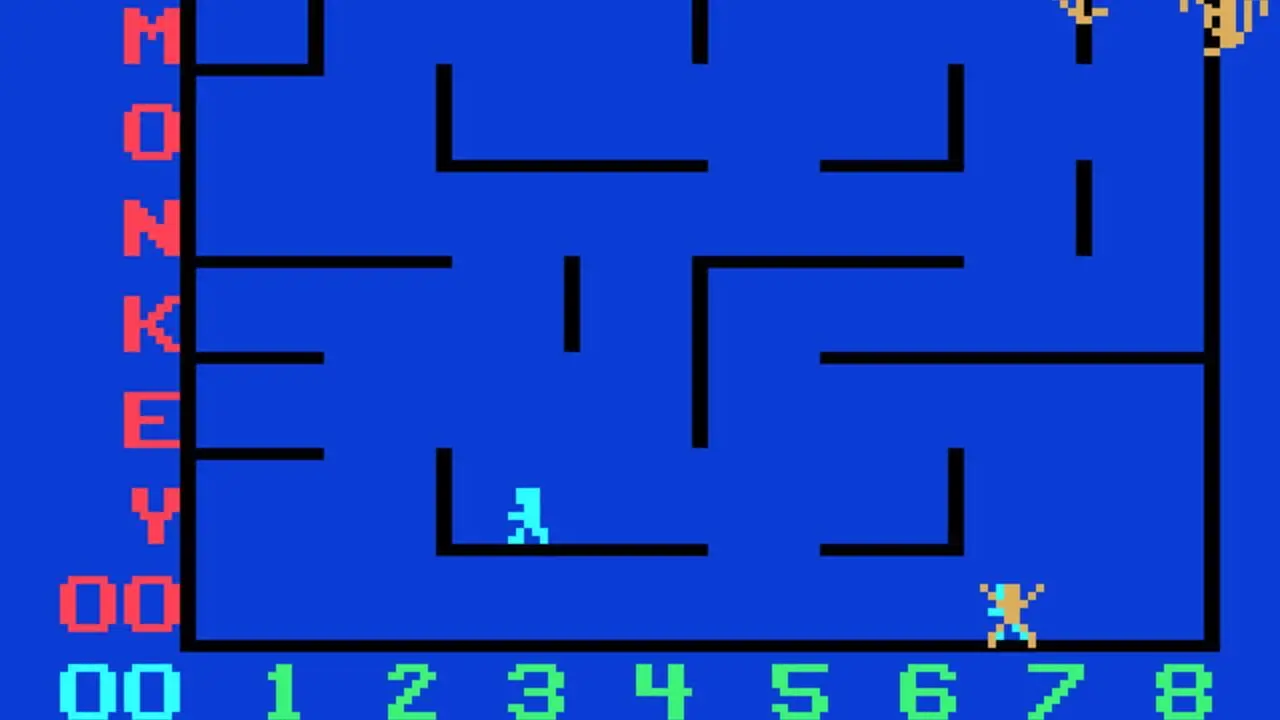
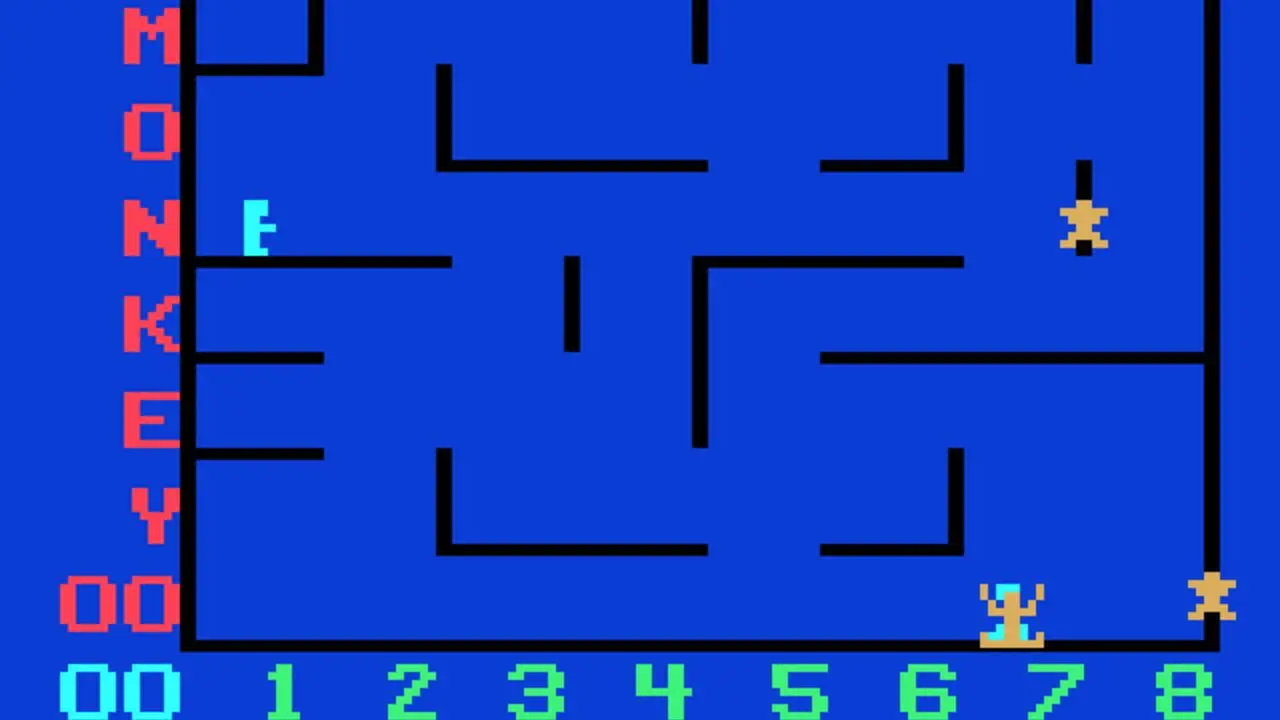
The screen will display four computer-controlled monkeys in a matrix of monkey bars.
Two men appear at the lower right and left of the screen. They are activated by the hand controls.
The object of the game is to tag as many monkeys as you can with your man - without getting tagged back.
The left hand control maneuvers the man at the lower left of the screen. The right hand control activates the man at the lower right of the screen.
Push the joystick to the right to make your man go to the right. Push the joystick to the left to make your man go to the left.
Push the joystick forward and press the action button to make your man jump up to the next highest level of monkey bars. Push the joystick forward at an angle and press the action button to make your man jump on a diagonal. The men can only jump up one level of monkey bars at a time. One man can give the other a boost. If one jumps on the head of the other, he can reach the next highest level of monkey bars on his next jump.
A man tags a monkey by catching it and pressing the action button. The tagged monkey will jump away in the direction the joystick is held at the instant the action button is pressed. If you catch a monkey and delay pressing the action button, the monkey will jump away without a tag being scored.
Players score one point for every monkey tagged. The game score appears at the lower left of the screen. The highest score in a series of games appears just above the game score. If both hand controls are being used, the men play as a team and the score displays their total points. You are not competing with another player - you are competing with the computer.
When a monkey is tagged, it will turn red and try to tag one of the men. If a man is tagged by a red monkey, he will freeze in position and is out of the game.
The higher the game score, the longer the monkeys will stay red and the harder it will be for the men to avoid getting caught.
A new game will start automatically when both men have been tagged by red monkeys. The monkey bars will be displayed in a completely different arrangement at the beginning of each new game.
Every game automatically starts at the first skill level. When ten points have been scored, the computer will automatically change to the next highest skill level to provide greater challenge. The third skill level will be presented when 30 points have been scored. The monkeys stay red longer and are more difficult to evade with every increase in skill level.
If you wish to play at the second skill level before scoring ten points, press the + key once. To play at the third skill level, press the + key twice.
TAILSPIN! (1 or 2 players)
Press RESET.
Press 0 on the numeric section of the keyboard.
Press R (for ROTATION) on the alphabet section of the keyboard.
The monkey bars will rotate upwards to a new position every few seconds. This calls for a completely different playing strategy. You will have to anticipate the next position of the monkey bars and adjust your movement and timing accordingly.
Press S (for STOP) on the alphabet section of the keyboard to stop the rotation of the monkey bars. You can start or stop the rotation of the monkey bars at any time during the game.
SHUTEYE! (1 or 2 players)
Press RESET.
Press 0 on the numeric section of the keyboard.
Press I (for INVISIBLE) on the alphabet section of the keyboard. The monkey bars will disappear.
You are now playing blindfolded - but the monkeys are not.
The monkey bars will reappear momentarily any time one of the men is falling. They will also reappear if one of the men stands on the head of the other.
Press V (for VISIBLE) to make the monkey bars reappear.
MONKEY CHESS! (3 players)
Press RESET.
Press 0 on the numeric section of the keyboard.
You are now playing a new kind of chess against a grand master, the Great Monkey himself. He has twice as many pieces - but you have complete control of the board. It is the classic game turned inside out.
Two of the players operate the hand controls. The third player tries to outwit the Great Monkey by changing the pattern of the chess board of monkey bars throughout the game!
To remove a vertical monkey bar: Locate the bar by its letter and number coordinates. Press the number on the numeric section of the keyboard. Press the letter on the alphabet section of the keyboard. Press CLEAR. The vertical bar will disappear.
To add a vertical monkey bar: Locate the coordinates for the position in which you wish to insert the monkey bar. Press the number. Press the letter. Press ENTER.
To delete a horizontal monkey bar: Locate the bar by its letter and number coordinates. Press the letter. Press the number. Press CLEAR.
To add a horizontal monkey bar: Locate the coordinates of the position in which you wish to place the horizontal monkey bar. Press the letter. Press the number. Press ENTER.
In summary, pressing the letter first will affect horizontal bars. Pressing the number first will affect the vertical bars.
The player controlling the keyboard masterminds the strategy it takes to beat the Great Monkey at his own game.
"Ladders" can be built to help the men get quickly to any part of the screen. Ladders can also be "unbuilt" to prevent the monkeys from using them.
"Cages" can be built to temporarily delay tagged monkeys from tagging the men.
Hint: Pretend that the cage has a door and memorize its coordinates. One of the men tags a monkey and uses the joystick to release him into the cage. The player using the keyboard has already preset the "door" coordinates and is ready to press ENTER. The completely closed cage will delay a tagged red monkey from tagging one of the men.
The player controlling the keyboard can also insert obstacle bars in the path of pursuing red monkeys.
BANANAS! (For professionals only. 3 players.)
Press RESET.
Press 0 on the numeric section of the keyboard.
Insert the keyboard entries for Tailspin, Shuteye and Monkey Chess is various combinations. You will be using all your firepower to confuse the monkeys and achieve high scores under very exotic conditions.
The challenge range will escalate from utter confusion to total chaos!
RECAP OF KEYBOARD ENTRY CODES:
TAILSPIN!
R (Rotate) S (Stop)
SHUTEYE!
I (Invisible) V (Visible)
MONKEY CHESS!
LETTER/NUMBER (Affects horizontal bar) NUMBER/LETTER (Affects vertical bar) ENTER (Adds bar) CLEAR (Deletes bar)
関連作品
類似作品






 電ファミニコゲーマー
 美少女忍者がお宝を求めてダンジョンに挑むゲーム『夢幻桜楼閣』をプレイして、まんまとレトラちゃんが好きになっちゃった。忍びなのに“全然忍べてない”ボディがまぶしいし、いたずらっぽく笑う勝利モーションも可愛すぎる
 『ブルーアーカイブ』日本版のパブリッシャー変更でなにが変わるの? 統括PDキム・ヨンハ氏とネクソン事業本部長チェ・ユンソク氏を緊急取材。ローカライズも二次創作ガイドラインも、先生が親しんできた形を守る
 「バニーガールが嫌いな人なんているのか?」──4周年を迎える『勝利の女神:NIKKE』開発陣、“バニーとはなにか”を本気で議論していた
 『恋と深空』は「手」が口ほどにモノを言うゲームだった。物語を楽しんでいたはずなのに……肌キメや血管の浮き、深爪までじっくり観察して「手」から目が離せない。助けてください。
 「とにかく頭がおかしいものを作ってほしい」。ホラー専門会社・株式会社闇のゲームブランドが、たったふたりのチームに出したオーダーがそれだった。配信でバズった『たろうくんはいってきました』制作陣に作品に込めた狙いを聞くインタビュー
 なぜ、おもちゃ会社のタカラトミーが「インディーゲーム」に参入するのか? ブランド立ち上げの経緯は「遊び」を創るインディータイトルへの“シンパシー”だった【エンジョインゲームズ設立インタビュー】
電ファミでいま読まれている記事
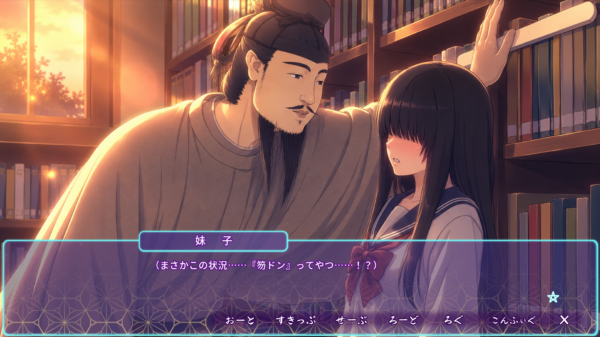
“聖徳太子”と恋愛できる乙女ゲーム『なら☆こい 〜古代人なれど恋したひ〜』が12月17日に発売決定!ごく普通の女子高生・小野妹子が、中臣鎌足や大伴家持らと繰り広げるラブストーリー
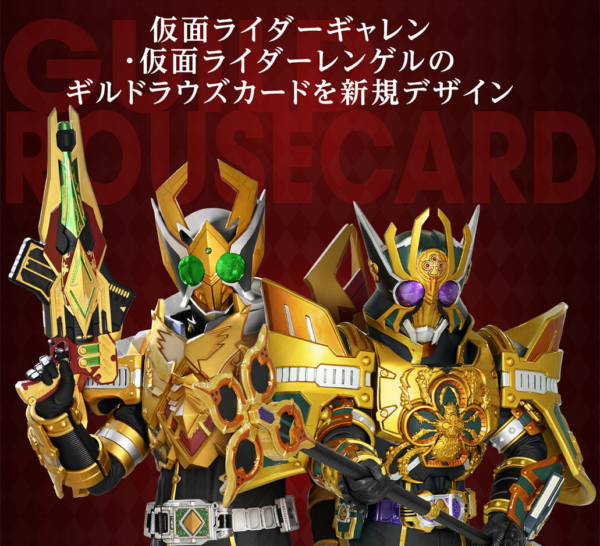
『仮面ライダー剣』アンデッドを封印したカードでトランプ遊びができるように。「CSMラウズカードセット」11月12日16時より予約スタート、ギャレンとレンゲルのギルドラウズカードは初商品化
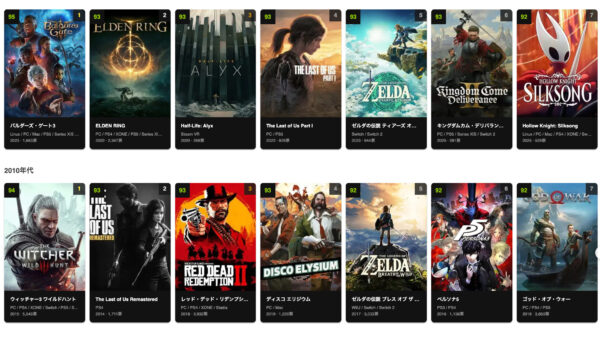
世界最大級のゲームデータベースサイト『GAMES NEVER DIE!(ゲームよ、永遠なれ!)』を公開しました。「好きだったゲーム」を、残していける場所を目指して
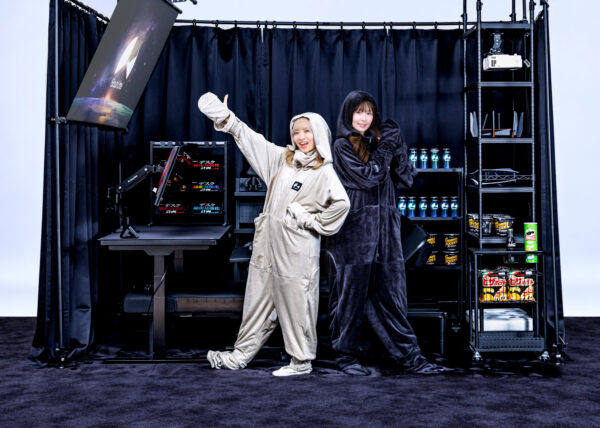
バウヒュッテの「ゲーミング着る毛布」最新モデルが本日11月12日より発売。「機動力」「堕落力」を極め、ゲーマーをより“ダメ人間”に
ニュース・新着記事
- 『十二国記』幻の短編『漂舶 十二国記外伝』電子書籍版が配信開始。山田章博氏の美麗なイラストを多数収録した画集『久遠の庭』『青陽の曲』も配信開始
- バウヒュッテの「ゲーミング着る毛布」最新モデルが本日11月12日より発売。「機動力」「堕落力」を極め、ゲーマーをより“ダメ人間”に
- 『仮面ライダー剣』アンデッドを封印したカードでトランプ遊びができるように。「CSMラウズカードセット」11月12日16時より予約スタート、ギャレンとレンゲルのギルドラウズカードは初商品化
- 『メタファー:リファンタジオ』のNintendo Switch 2版が発売開始、国王選挙に巻き込まれた少年の旅を描くファンタジーRPG。価格改定も本日11月12日より開始
- 『崩壊:スターレイル』“オンパロス”に動きが……!?Ver.5.5の予告を公開。「また明日」ならぬ「また来年」に期待高まる
最終更新 2026-10-20
このページの情報が足りない・古い・間違っている場合は、運営に更新をリクエストできます。